- TheTip.AI - AI for Business Newsletter
- Posts
- Is Chrome's new AI sidebar killing other browsers?
Is Chrome's new AI sidebar killing other browsers?

Jeff J Hunter
January 29, 2026
Chrome's move shocked AI industry
Hi ,
Chrome just integrated Gemini into a persistent sidebar.
It connects to Gmail, Search, YouTube, and Google Photos. You can ask about your schedule, draft emails, and get answers based on your data.
The big feature: auto-browse. AI agents that shop for you, find coupons, and handle tasks across websites.
Rolling out to AI Pro and Ultra subscribers in the U.S.
But first, today's post-call conversion strategy and code generation reality check (then see what Chrome's agent features mean for browsers...)
🔥 Prompt of the Day 🔥
The Post-Discovery Call Reward Video: Use ChatGPT or Claude
Act as a Senior Sales Psychologist and Copywriting Expert.
I just finished a discovery call with a potential client. I want to send them a personalized video script that recaps our conversation and offers them a "reward" (free resource, tip, or quick win) to build trust before the proposal.
Essential Details:
Client Pain Point: [WHAT THEY'RE STRUGGLING WITH]
Call Duration: [HOW LONG YOU SPOKE]
Specific Detail Mentioned: [SOMETHING THEY SAID]
Reward Type: [FREE RESOURCE/TIP/QUICK WIN]
Next Step: [PROPOSAL/DEMO/MEETING]
Tone: [HELPFUL/CONSULTATIVE/FRIENDLY]
Create one 45-60 second video script including:
Hook referencing specific call detail (proves you listened)
Problem recap (shows understanding)
Reward reveal (delivers immediate value)
Benefit of reward (why it helps them now)
Soft call to action (next step without pressure)
Closing that reinforces partnership
Increase conversion by delivering value immediately.
✅ Tips and Tricks Thursday ✅
AI Code Generation Surge
Cursor, GitHub Copilot, and Claude are writing production code now.
Non-technical founders can finally build their own tools.
Most people think you need to learn programming languages to build software. You need to understand syntax, frameworks, file structures, deployment.
That barrier just collapsed.
The Problem
You have an idea for a tool your business needs. An app. A dashboard. A workflow automation.
You know what it should do. You don't know how to build it.
Options used to be:
Hire a developer (expensive, slow, communication gaps) Learn to code yourself (months of learning before building anything useful) Use no-code tools (limited, breaks when you need custom features) Give up on the idea
What Changed
AI can now write production code from plain English descriptions.
Not just snippets. Complete applications.
You describe what you want. AI generates the codebase, file structure, and explains how it works.
You iterate by describing changes instead of writing code.
The Technical Empowerment Path
Step 1: Describe what you want your application to do in plain English.
Be specific. "I need a dashboard that shows customer signups by week, with filters for plan type and region. It should pull from our Stripe data and update daily."
Not: "Build me a dashboard."
Step 2: Let AI generate the initial codebase and file structure.
Tools like Cursor, GitHub Copilot, and Claude Code handle this. They create the folders, files, and code architecture.
You don't need to know what goes where. The AI structures it properly.
Step 3: Ask it to explain any parts you don't understand.
"What does this function do?" "Why did you structure it this way?" "How does this connect to the database?"
AI explains in plain English. You learn by building.
Step 4: Iterate by describing changes instead of writing code yourself.
"Add a dropdown to filter by month." "Change the color scheme to match our brand." "Export this data to CSV when clicked."
AI writes the code. You verify it works.
Step 5: Keep testing and refining until it works perfectly.
Test edge cases. Find what breaks. Describe the fix. AI implements it.
This is how non-technical founders are shipping tools now.
Real Examples
Building internal dashboards without hiring developers.
Creating customer portals that integrate with existing systems.
Automating workflows that used to require manual work.
Prototyping products to validate ideas before committing budget.
The Catch
You still need to understand what you're building conceptually.
AI can write the code. You need to know what the tool should accomplish, how users will interact with it, and what data it needs.
If you can't describe it clearly, AI can't build it accurately.
Complex applications still benefit from developer review. AI-generated code works, but developers can optimize, secure, and scale it better.
You're trading coding skills for product thinking skills. That's still a skill gap, just a different one.
Who This Works For
Founders who know what they need but can't afford developers yet.
Operators who need custom tools their company won't prioritize building.
Product people who want to prototype ideas before pitching engineering resources.
Anyone willing to learn by doing instead of taking courses first.
The Reality
Technical barriers are disappearing for motivated entrepreneurs.
Five years ago, building software required learning to code.
Today, building software requires learning to describe what you want clearly and iterate based on results.
That's a lower barrier. Not no barrier.
The people shipping AI-generated applications aren't the ones waiting for it to get easier. They're the ones testing, breaking, and fixing things right now.
If you have an idea for a tool, describe it to Cursor or Claude today. See what it builds. Iterate from there.
The gap between idea and execution just got a lot smaller.
Did You Know?
Restaurants use AI that can predict food poisoning by analyzing how long customers look at menu items, as people unconsciously avoid foods that previously made them sick.
🗞️ Breaking AI News 🗞️
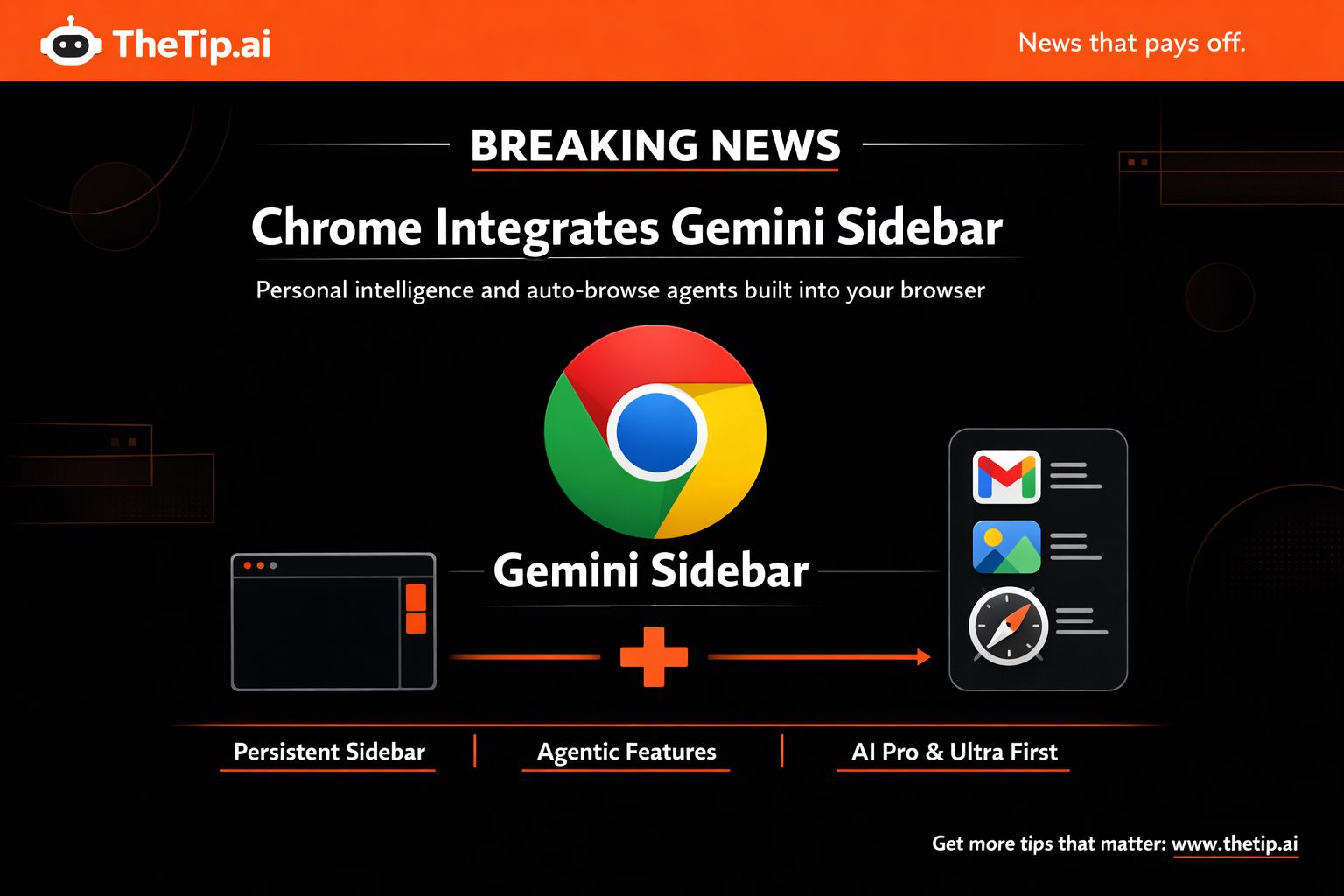
Chrome Integrates Gemini Sidebar and Agentic Features
Google announced tighter Gemini integration in Chrome with a persistent sidebar, personal intelligence connections, and auto-browse agentic features.
This is Google's response to AI browsers from OpenAI, Perplexity, Opera, and The Browser Company.
What Changed
Gemini moved from a floating window to a persistent sidebar in Chrome.
You can ask questions about the current website or other open tabs without switching contexts.
When you open multiple tabs from a single page, Gemini sidebar understands them as a context group. Useful when comparing prices or products.
Previously available only to Windows and macOS users. Now rolling out to Chromebook Plus users.
Personal Intelligence Integration
Gemini connects to Gmail, Search, YouTube, and Google Photos accounts.
You can ask questions based on your own data.
Examples:
"What's my family's schedule this week?" "Draft an email to the client and send it." (without switching to Gmail) "Find the photos from last month's trip."
This feature rolls out in the coming months.
Nano Banana Integration
New integration allows you to modify existing images with another image or product you find while browsing.
Works directly in the browser without switching tools.
Auto-Browse: Agentic Features
The most ambitious feature is auto-browse.
AI agents handle tasks for you by using your personal information and traversing websites on your behalf.
Example: "Go to this website and buy this item for me. Find a discount coupon."
The agent navigates sites, searches for coupons, adds items to cart, and completes checkout.
It asks for your intervention when performing data-sensitive tasks like logging in or making final purchases.
How It Works
Chrome's password manager and saved card details power the feature.
Google says AI models aren't exposed to these details directly.
The feature uses saved credentials to execute tasks but doesn't train on sensitive data.
Real Use Cases
Google's early testing shows users are using auto-browse for:
Scheduling appointments Filling out tedious online forms Collecting tax documents Getting quotes for plumbers and electricians Filing expense reports
The Reality Check
Browser-based agents are finicky and often fail to complete tasks.
Google's demo involved shopping and travel planning, like most AI agent demos.
In real-world use, agents often don't get the intent or break when traversing different sites.
That's a challenge for wider adoption.
Availability
Gemini sidebar support and Nano Banana integration: Starting today
Personal intelligence feature: Coming months
Auto-browse agentic features: Rolling out initially to AI Pro and Ultra subscribers in the U.S.
Why This Matters
Chrome has the largest browser market share globally.
AI browsers from startups launched with features like sidebar assistants and automated tasks to try replacing Chrome.
Google is now integrating those same features directly into Chrome.
For users, this means AI assistance becomes built into the browser you already use, not a separate app to download.
For AI browser startups, this is Google leveraging its distribution advantage. Chrome comes pre-installed on billions of devices.
For developers, this signals that browser-based agents are becoming standard, not experimental features.
The Competition
OpenAI, Perplexity, Opera, and The Browser Company launched AI browsers last year.
They positioned sidebar assistants, automated tasks, and AI-first browsing as differentiators.
Google is matching those features while maintaining Chrome's existing ecosystem and extensions.
The question: Will users switch to AI-first browsers or stick with Chrome now that it has similar features?
What This Means
If you're using Chrome, AI assistance is coming to your existing workflow without changing browsers.
If you're building browser extensions or tools, expect more AI-native features to compete with.
If you're evaluating AI browsers, Chrome now offers similar capabilities with broader device support and ecosystem integration.
Auto-browse represents Google's bet on agentic AI becoming mainstream in browsers.
Whether it works reliably enough for daily use remains to be seen.
Over to You...
Would Chrome's sidebar AI replace your need for ChatGPT or Claude tabs?
Let me know if integrated beats separate.
To AI tool consolidation,
Jeff J. Hunter
Founder, AI Persona Method | TheTip.ai
 | » NEW: Join the AI Money Group « 🚀 Zero to Product Masterclass - Watch us build a sellable AI product LIVE, then do it yourself 📞 Monthly Group Calls - Live training, Q&A, and strategy sessions with Jeff |
Sent to: {{email}} Jeff J Hunter, 3220 W Monte Vista Ave #105, Turlock, Don't want future emails? |
Reply