- TheTip.AI - AI for Business Newsletter
- Posts
- What if app testing took minutes, not days?
What if app testing took minutes, not days?

Jeff J Hunter
January 20, 2026
Manus launches automated app deployment
Hi ,
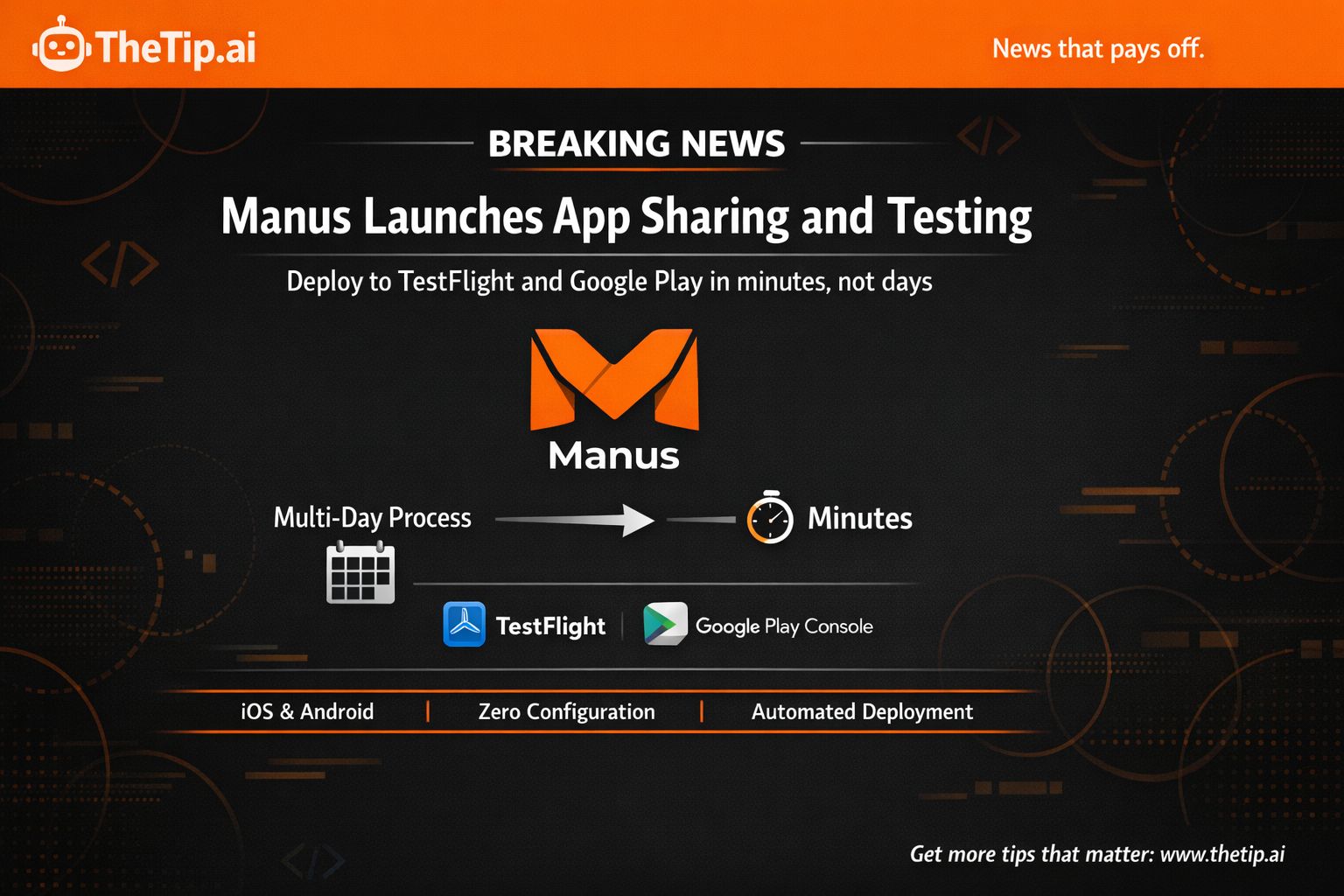
Manus just launched App Sharing and Testing.
It's a feature that turns app deployment from a multi-day process into minutes.
Already available. Developers are shipping apps to TestFlight and Google Play Console without manual packaging.
Both iOS and Android supported. Direct TestFlight integration. Automated AAB formatting. Zero build configuration needed.
This matters because deployment friction kills product momentum.
But first, today's prompt and video tool (then why automated testing matters...)
🔥 Prompt of the Day 🔥
NotebookLM Deep Synthesis System
Act as a research analyst. Using NotebookLM, create one deep synthesis framework for [TOPIC] that identifies counter-intuitive findings across multiple documents.
Essential Details:
Research Topic: [WHAT YOU'RE INVESTIGATING]
Specific Aspect: [FOCUS AREA]
Number of Sources: [DOCUMENTS UPLOADED]
Document Types: [REPORTS/ARTICLES/TRANSCRIPTS]
Output Goal: [DECISION/REPORT/STRATEGY]
Comparison Point: [CONVENTIONAL WISDOM/OTHER ASPECTS]
Create one synthesis framework including:
Top 5 counter-intuitive findings (non-obvious insights)
Evidence synthesis (data from multiple sources with citations)
Verbatim quotes (1-2 direct quotes anchoring each finding)
Exclusion analysis (how it differs from conventional wisdom)
Source credibility assessment (reliability check)
Pattern identification (themes across documents)
Action implications (what to do with insights)
Turn multiple sources into breakthrough insights.
🤖 Tool Tuesday 🤖
Google Vids AI Avatars: Create Videos Without Recording
Most people avoid video content because they hate being on camera.
Google just removed that excuse.
Google Vids now has AI avatars that speak your script without you recording anything.
How It Actually Works
Open Google Vids. Click the Avatar button in the sidebar.
Write your script in the text box.
Select from 12 AI avatars. Each has a predefined voice. Hover to preview.
Click Generate.
The AI avatar video is automatically added to your scene. Maximum length: 30 seconds per generation.
The Limits
20 AI avatar videos per week maximum.
30 seconds per video maximum.
Weekly limit resets 7 days after your first generation at 12:00 AM PST.
What Makes It Different
Most video tools still require you to record. Or use text-to-speech that sounds robotic.
Google Vids gives you natural-sounding avatars with professional delivery.
You write. The avatar performs. You get video content without equipment or editing time.
The voice matching feature maintains consistency. AI avatar Olivia's voice matches the "Coach" voiceover option. Use Olivia in one scene, then use Coach voiceover in another. Same voice throughout.
Real Use Cases
Training videos: Write the script. Let the avatar deliver it. No need to record yourself repeatedly.
Product demos: Script your walkthrough. The avatar presents professionally.
Social media content: Create consistent videos without appearing on camera.
Client presentations: Build video presentations without recording your voice.
Explainer videos: Turn written content into video format fast.
Who Should Use This
If you know video works but avoid creating it because you hate recording, this is for you.
If you need consistent training content at scale, this removes the bottleneck.
If you're testing video content for the first time, this is the lowest-friction entry point.
The Catch
The avatars are AI-generated. Not real people. Some audiences might find them less authentic.
The 30-second limit means longer videos require multiple clips stitched together.
You're limited to 12 preset avatars. No customization beyond choosing from available options.
Availability
This is part of Google Workspace Labs. Not everyone has access yet.
To check access, open Google Vids. A window will appear if you have Workspace Labs features.
If you're on a Workspace plan, check with your admin about Labs access.
Did You Know?
Your smart TV's AI analyzes your eye movement patterns to determine which advertisements you find most appealing, selling this data without ever recording actual video.
🗞️ Breaking AI News 🗞️
Manus Launches App Sharing and Testing
On January 19, Manus announced App Sharing and Testing, a feature that automates the app deployment process for mobile developers.
It's designed for speed. And it's already live.
The Speed Jump
Traditional app deployment to testing:
Days spent packaging builds manually
Multiple steps across different platforms
Complex configurations for iOS and Android
Slow feedback loops that kill momentum
Manus automation:
Minutes to deploy instead of days
Automated packaging in correct formats
Direct integration with TestFlight and Google Play
Instant feedback loops
That speed difference matters. Getting apps to testers faster means faster iteration.
What's Actually New
App Sharing and Testing isn't a publish button. It's an automation layer for the testing phase.
The feature handles:
Automated app packaging in AAB format for Android
Direct TestFlight integration for iOS apps
Automatic upload to App Store Connect
Guided workflows for inviting testers
For Android, Manus packages your app in the required AAB format and prepares it for Google Play Console upload.
For iOS, it goes further. Manus creates the app in your developer account, packages the build, uploads to App Store Connect, and triggers the TestFlight review process automatically.
How It Works
Android workflow:
Navigate to Publish to Google Play in Manus workspace.
Manus packages your app in AAB format.
Follow the link to Google Play Console to upload and manage testing.
iOS workflow:
Ensure you have an Apple Developer account.
Go to Publish, select iOS tab, click Create app.
Manus creates, packages, and uploads your app to App Store Connect.
Receive TestFlight email from Apple once processed.
Install on your device and invite testers through App Store Connect.
Why This Matters
Most developers hit friction after building. The creative work is done. Then deployment logistics become a bottleneck.
You switch from creator to release engineer. Hours or days spent navigating platform requirements instead of gathering feedback.
Manus removes that friction.
Build your app. Click publish. Get it to testers in minutes.
The feedback loop accelerates. The momentum stays intact.
The Bigger Context
This isn't about replacing app stores. It's about removing the friction between development and feedback.
Manus handles the tedious technical steps so you focus on what matters: iterating based on real user feedback.
For product builders who aren't seasoned mobile developers, this removes a major barrier.
For experienced developers, it eliminates repetitive manual work.
What This Means for You
If you're building mobile apps in Manus, your deployment time just dropped from days to minutes.
If you're testing product ideas, you can now get feedback loops tight enough to actually iterate fast.
If you're avoiding mobile development because deployment complexity scares you, that barrier just dropped.
The feature is available now to all Manus users with the Develop Apps capability.
This represents Manus's approach to removing friction from the entire development cycle, not just the coding phase.
From idea to testable app, faster than before.
Over to You...
Does Manus's automated deployment solve your app testing bottleneck?
Reply and share your thinking.
To streamlined testing,
Jeff J. Hunter
Founder, AI Persona Method | TheTip.ai
 | » NEW: Join the AI Money Group « 🚀 Zero to Product Masterclass - Watch us build a sellable AI product LIVE, then do it yourself 📞 Monthly Group Calls - Live training, Q&A, and strategy sessions with Jeff |
Sent to: {{email}} Jeff J Hunter, 3220 W Monte Vista Ave #105, Turlock, Don't want future emails? |
Reply